The Samsung DTS trap: a month-long quest for surround sound
My Samsung TV was silently downmixing every DTS soundtrack to stereo, and no setting could fix it. A month of troubleshooting, a pile of hardware, and the $250 box that finally restored surround sound.
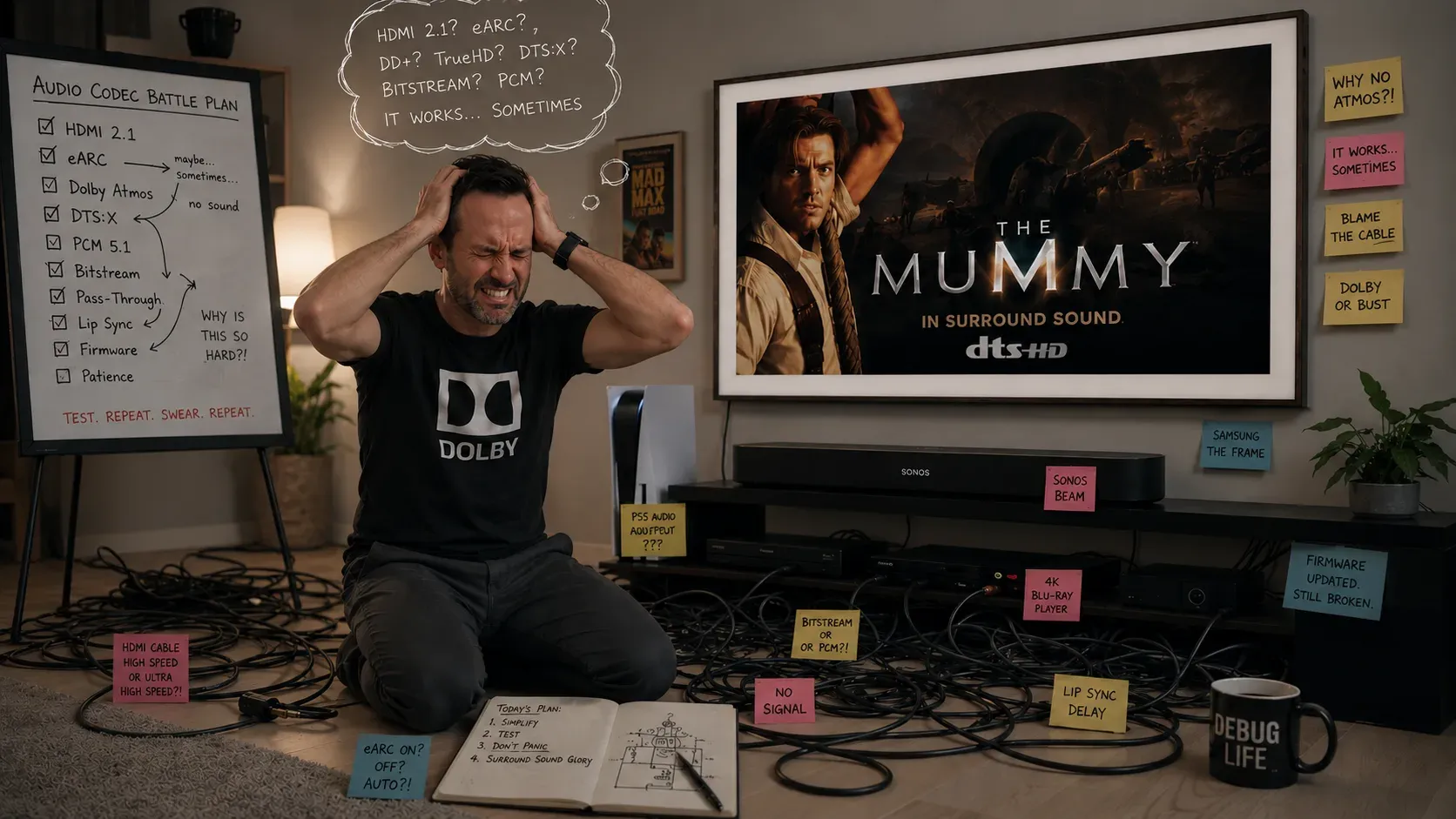
It started, as these things do, with Jurassic Park.
I had a PS4 Pro, a Samsung Frame TV, and a Sonos Beam with a pair of surround speakers. On paper, a perfectly respectable home cinema. I put the Jurassic Park Blu-ray in, settled back for the T. rex paddock scene, the one where the bass should rattle your fillings, and got flat, front-only, lifeless stereo. The disc menu cheerfully reported 5.1. The Sonos app insisted otherwise.
So began a troubleshooting odyssey that ran for about a month and took in two consoles, two soundbars, a dedicated Blu-ray player, a small box of cables, and a great deal of my evenings. Here’s the whole thing, so you don’t have to repeat it.
What the working setup looks like
By the end, the setup that finally worked looked like this:
- Source: Panasonic 4K Blu-ray player (plus a PS5 and a Switch 2)
- The problem: Samsung Frame TV
- The fix: an HDMI eARC audio extractor
- The destination: Sonos Beam Gen 2 with Sub and surrounds
It took a while to work out what the problem even was.
First suspect: the soundbar
My first suspect was the Sonos Beam. A stereo output surely meant the soundbar couldn’t handle surround? I dug into the specs and found my first real clue. The original Beam (Gen 1) only supports HDMI ARC, not eARC, and that distinction matters enormously.
ARC (Audio Return Channel) has limited bandwidth. It carries compressed 5.1 like Dolby Digital, but not the high-bandwidth multichannel PCM that many discs need once decoded. eARC, the enhanced version, has the headroom to carry full multichannel audio.
So I upgraded to a Beam Gen 2, which has eARC. Progress. Netflix now delivered proper multichannel, and the eARC handshake worked, with the TV showing “HDMI-eARC” when I changed the volume. And yet discs still played in stereo. The soundbar was innocent.
Second suspect: the settings
Next came the settings rabbit hole. I went through every audio menu on the TV and the console. Digital Output Audio Format set to Pass-Through. HDMI-eARC Mode on Auto. Anynet+ (HDMI-CEC) on. Every permutation of bitstream and PCM on the console. I factory-reset the TV (the secret PIN is 0000, for the record) and confirmed the firmware was current.
Around this point I bought a PS5, partly telling myself the newer console would handle the audio conversion better than the ageing PS4 had. It didn’t, and that was the moment it really stung. I’d grabbed a stack of 4K discs in one go, among them The Mummy, my partner’s favourite film. We settled in for movie night, popcorn ready, fired up the shiny new console, and the audio came out in stereo. I did the unforgivable thing and said we couldn’t watch it until I’d got to the bottom of this. (Reader, she was very patient with me.)
Nothing worked for discs. But somewhere in here came the breakthrough clue. A Dolby Atmos disc (Dune) worked perfectly end to end. And on Inception, the French Dolby Digital track played in surround while the English DTS-HD Master Audio track collapsed to stereo. Same disc, same everything. The only variable was the audio codec. Dolby worked. DTS didn’t.
The real cause: DTS
That codec pattern was the key to the whole mystery. The problem had nothing to do with bandwidth, the soundbar, or a stray setting. It was this:
Samsung TVs have not supported DTS audio since 2018. It’s a deliberate decision, baked into the hardware and firmware across the entire range. The TV will not pass DTS, in any form, from its inputs to your soundbar over eARC.
This is the trap, and it’s a nasty one. It’s silent, because the TV gives you no warning and just downmixes to stereo. It’s codec-specific, so Dolby content works flawlessly and the chain seems fine, which leaves you tearing your hair out over why only some discs fail. And it affects a huge slice of the catalogue, because DTS-HD Master Audio is the primary track on a vast number of discs, especially older Universal and Warner Bros. titles. Jurassic Park. Lord of the Rings. The Mummy. Inception. All DTS. All silent-surround on a Samsung.
If you own a Samsung TV and a soundbar, and your surround sound fails on some discs but not others, stop troubleshooting your settings. This is almost certainly why. No menu option will fix it, because it isn’t a setting. It’s policy.
Fixes that nearly worked
Knowing the cause, I tried several fixes. A few are worth knowing about even though they weren’t right for me.
A dedicated 4K Blu-ray player set to decode DTS internally. The idea was to have the player decode DTS-HD and output multichannel LPCM, which Samsung will pass, instead of raw DTS, which it won’t. I bought a Panasonic player and set DTS output to PCM rather than Bitstream. Clever in theory, but the Frame’s eARC passthrough still downmixed the multichannel LPCM before it reached the Beam. So close.
The optical workaround. Many consoles can transcode DTS to Dolby Digital over their optical output. But the Beam has no optical input without Sonos’s adapter, you lose Atmos, and you swap cables constantly. A dead end for a multi-source setup.
Replacing the soundbar entirely. A high-end bar with its own HDMI inputs decodes everything natively and bypasses the TV’s audio path. This genuinely works, but it’s a big spend and meant abandoning the Sonos gear I’d already bought into.
The fix: an HDMI audio extractor
The actual fix was an HDMI eARC audio extractor, a small box that sits between a source and the soundbar. It splits audio off from the HDMI signal, and it advertises its own audio capabilities to the source, independent of the TV. Mine cost $250.
The chain became:
Blu-ray player → HDMI audio extractor → Sonos Beam Gen 2 (video passed through to the TV, which is now out of the audio path entirely)
Because the source talks to the extractor instead of the TV, Samsung’s DTS deafness never enters the equation.
But there was one final piece, and it’s the bit most guides skip.
The EDID DIP switch
The extractor worked, yet the Beam still reported stereo at first. The fix lived in a bank of DIP switches on the box that control its EDID, the little capability handshake that tells a source what audio the downstream system can accept.
By default, my extractor was set to copy the TV’s EDID, which meant it faithfully passed along the Frame’s own stereo-only, DTS-hostile profile. The moment I flipped the DIP switches to force a fixed 5.1 EDID (on my unit, 100 = FRL12G_8K_HDR, 5.1CH), every source suddenly understood that a surround system was present. The Switch 2, which had never once offered surround as an option, instantly detected it. The discs played in full 5.1.
If you buy an extractor and still get stereo, check the EDID DIP switch. Forcing a multichannel EDID rather than copying the TV’s is very often the missing step.
The lessons
- If your Samsung TV gives surround on some discs but not others, the cause is DTS. Samsung dropped DTS support after 2018. It isn’t a setting, your soundbar, or you.
- Diagnose by codec, not by symptom. Comparing a Dolby track and a DTS track on the same disc was the most useful thing I did all month.
- ARC vs eARC is real. For multichannel PCM you need eARC at both ends. A Gen 1 Beam will never get there.
- An HDMI audio extractor takes the TV out of the decision. Source to extractor to soundbar, video passed through to the screen.
- Don’t forget the EDID. The extractor has to declare surround capability, not just pass audio. Force a fixed 5.1 EDID via the DIP switches.
Was it worth it?
Financially, let’s not dwell on it. A console upgrade, a soundbar upgrade, a dedicated player, a $250 extractor, and assorted cabling, all to play discs I already owned the way they were meant to sound.
But the night I finally put The Mummy back in, heard that bass roll properly across the room, and watched my partner settle in without me hovering over a settings menu, that was the moment. We’d been waiting a month for movie night. It was worth it.
May your DTS tracks never silently downmix again.
Hardware referenced: Samsung Frame TV (2020 AU model), Sonos Beam Gen 1 then Gen 2, Sonos Sub, Sonos One SL surrounds, PS4 Pro then PS5, Nintendo Switch and Switch 2, Panasonic 4K Blu-ray player, HDMI eARC audio extractor with EDID DIP switching.